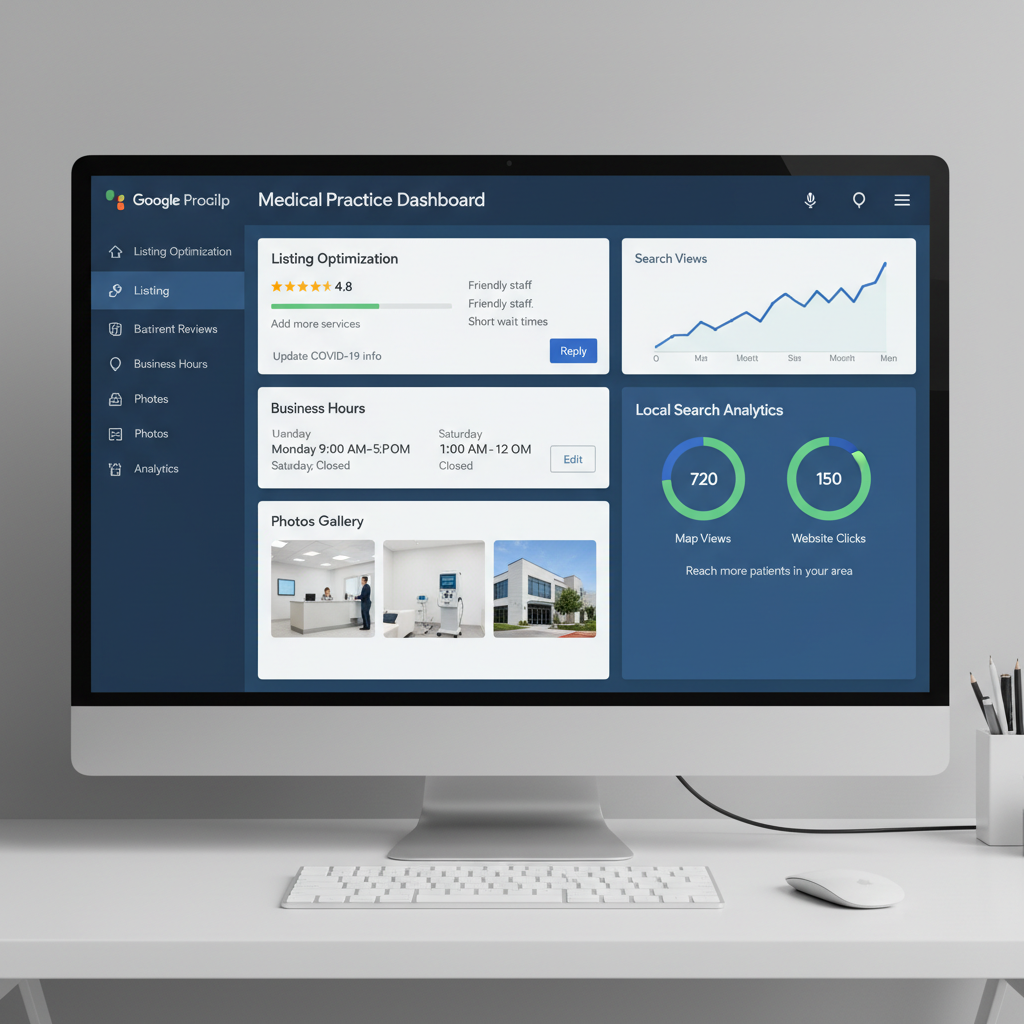
Google has quietly raised the stakes for businesses that do not play by the rules. If your Google Business Profile gets restricted and you keep repeating the same violations, Google can now hand out even tougher penalties — making it much harder to get your profile back in good standing. Think of it like speeding through a school zone: the first ticket hurts, but the second one is a whole different conversation.
The tricky part is that many practice owners do not even realize they are breaking the rules because some of the most common mistakes seem completely harmless. NYP Healthcare Marketing manages your GBP with 100% white-hat, Google-compliant methods — so your profile stays safe, ranking, and protected from the violations that set practices back months.
What Are Google's Escalating GBP Penalties?
Google's enforcement model for Google Business Profiles has evolved significantly. Where a first violation might result in a temporary restriction or a content removal, repeated violations of the same guideline now trigger progressively harsher consequences — including profile suspensions that require manual reinstatement through Google's support process. The more violations on record, the less benefit of the doubt Google extends.
Google wants authentic business information and real activity — not businesses trying to take shortcuts to game the system. Repeated violations signal to Google that your profile is not trustworthy, and the penalties reflect that.
The Three Easiest GBP Mistakes to Make
1. Changing Core Business Information Without a Valid Reason
Google treats your business name, address, website URL, phone number, and primary category as foundational business information. These fields are not meant to be updated frequently. Google's systems flag repeated changes to core fields as a signal that something suspicious may be happening — whether that is keyword stuffing in the business name, address manipulation to rank in a different area, or category switching to chase algorithm trends.
- Business name: Use your real-world business name only — no keyword additions
- Address: Only update when you have physically relocated your business
- Primary category: Choose the most accurate category and leave it stable
- Phone number: Use a consistent, trackable number and do not rotate it
- Website URL: Link to your primary domain and avoid frequent redirects
2. Adding Your Phone Number Inside GBP Posts (Phone Stuffing)
Google considers it "phone stuffing" when you include your phone number inside your Google Business Profile posts. Your phone number is already prominently displayed on your GBP listing — in the contact section, on your Knowledge Panel, and in Google Maps results. Repeating it inside posts signals to Google that you are trying to manipulate click-to-call behavior rather than providing genuinely useful content.
- Use posts to share promotions, seasonal offers, and service updates
- Highlight patient education content and health tips relevant to your specialty
- Announce new providers, new locations, or expanded hours
- Share links to blog content, case studies, or patient resources
- Never include your phone number, address, or website URL inside post text
3. Buying Fake Reviews
Purchasing reviews might seem like a shortcut to social proof, but it is one of the fastest ways to earn a restriction — or worse. Google's review fraud detection has become significantly more sophisticated. It now analyzes review velocity patterns, reviewer account age and activity, geographic anomalies, and linguistic patterns to identify inauthentic reviews. When Google detects fake review activity, it places a visible warning label on your profile that tells prospective patients your reviews may not be trustworthy.
How NYP Healthcare Marketing Keeps Your Profile Safe and Ranking
- 1Audit your GBP core fields quarterly — only update them if your business information has genuinely changed
- 2Review every post before publishing — remove any phone numbers, addresses, or URLs from post body text
- 3Build a compliant review generation system — ask satisfied patients directly, use email or SMS follow-ups, and make it easy to leave a review
- 4Monitor your profile for unauthorized edits — Google allows third parties to suggest changes, so we check your profile regularly
- 5Stay current with Google's GBP guidelines — they update periodically, and NYP Healthcare Marketing tracks every change
Frequently Asked Questions
What happens if my Google Business Profile gets restricted?
Why does Google flag changes to core business information?
What counts as "phone stuffing" on a Google Business Profile?
How does Google detect fake reviews?
What is the right way to generate Google reviews for a healthcare practice?
Ready to Implement These Strategies?
Our healthcare marketing specialists handle everything — from technical SEO to content creation to review management. No long-term contracts.
Get a Free Consultation